Shapes and connectors
Shapes
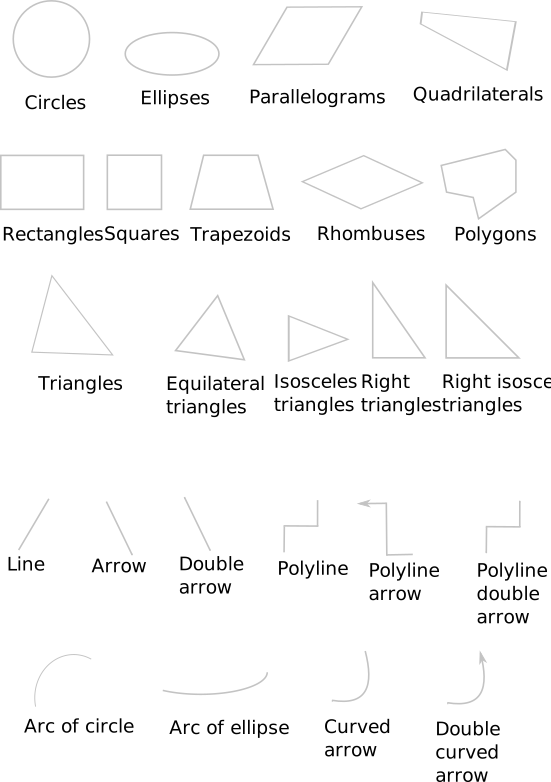
Here is a list of the supported shapes:
Link items
To create diagram, you also need to link shapes and text. Once two items are linked, moving/resizing one means moving/resizing the other accordingly.
- Write text inside a shape to link both:

- Write text next to a shape connector to link both:

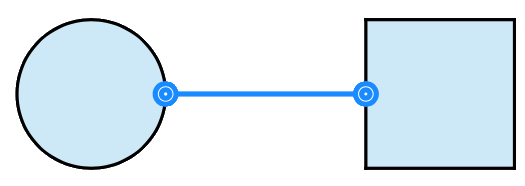
- Draw a shape connector between two shapes to link them:
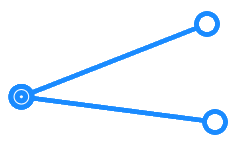
- Draw two shape connectors close to each other to link them:
- Label a shape connector to link both:
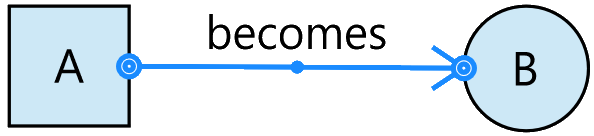
As shown in the below figure:
- When text is written inside a shape, the connector is linked to the shape, and not to the text.
- When there is no shape, the connector is linked to the text.
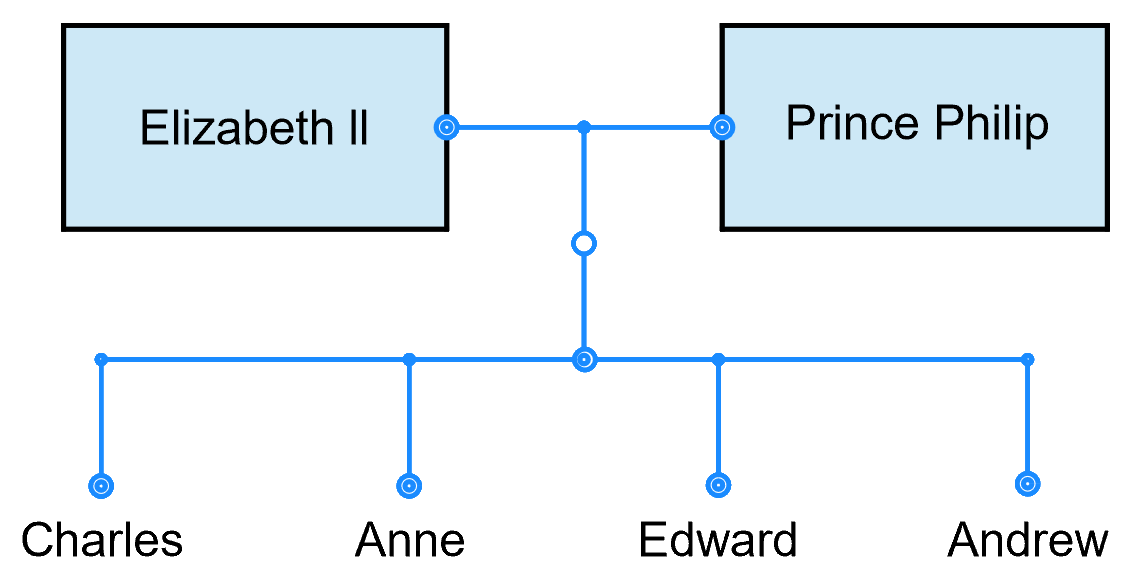
When two elements are linked by a connector, it is called a "node". A node can either be a shape, some text or even free drawing.
When the user places a unique and centered piece of text inside a shape, it is called a "cell label". If text is placed near a connector, it is called a "label".